Description: This Feature provides smart access to the quick links configured by your system administrator.
When you launch the DesktopComm app, the Bookmarks feature may appear in the left-hand menu.
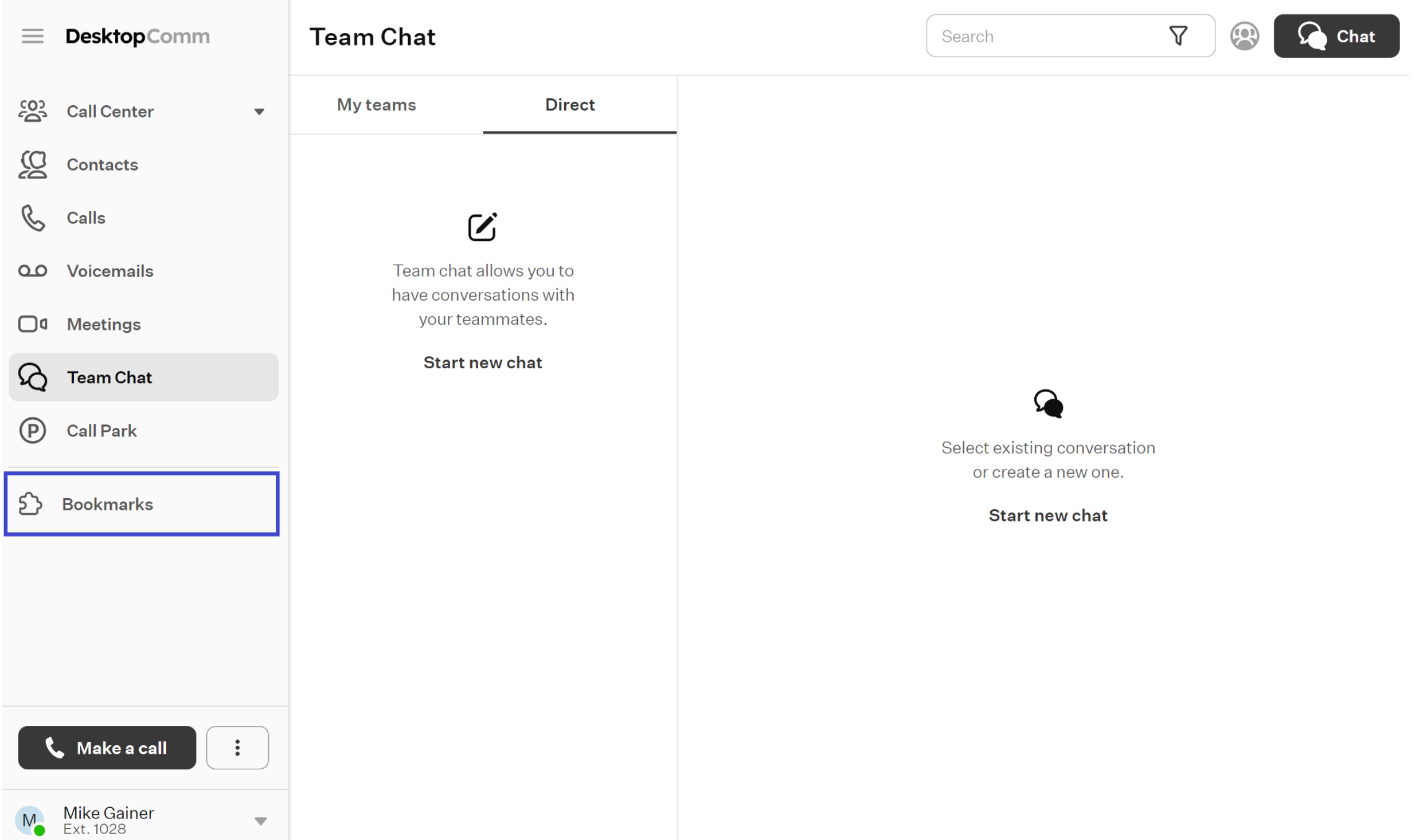
If you don’t see the Bookmarks option in the left-hand menu of the DesktopComm app, it indicates that has not been configured. This feature ensures that important and frequently accessed resources are conveniently accessible, reducing the effort needed to find them.
Selecting it displays a drop-down list of links prepared by the system administrator for easy access.
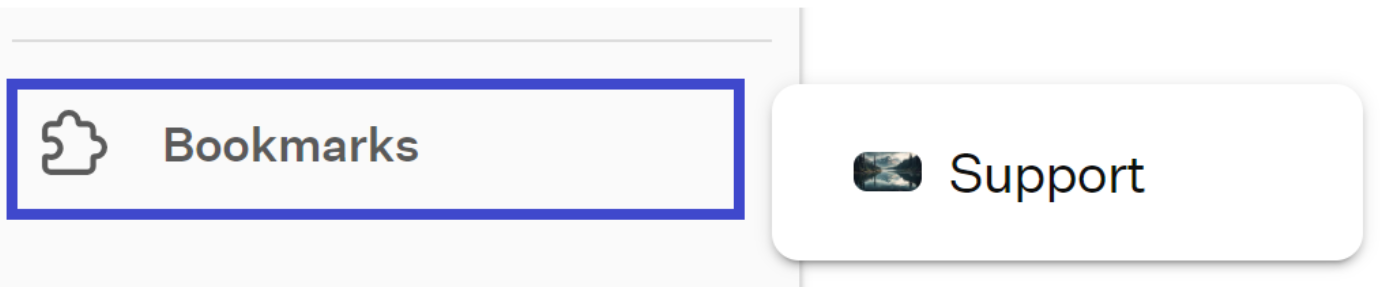
Clicking on one of the given bookmarks will open the link in your system’s default browser.
Was this article helpful?
That’s Great!
Thank you for your feedback
Sorry! We couldn't be helpful
Thank you for your feedback
Feedback sent
We appreciate your effort and will try to fix the article