Description: This module offers intelligent access to your list of contacts, allowing you to dial or compose a message with ease.
The Contacts module functions as a contact book, organizing contacts into multiple lists.
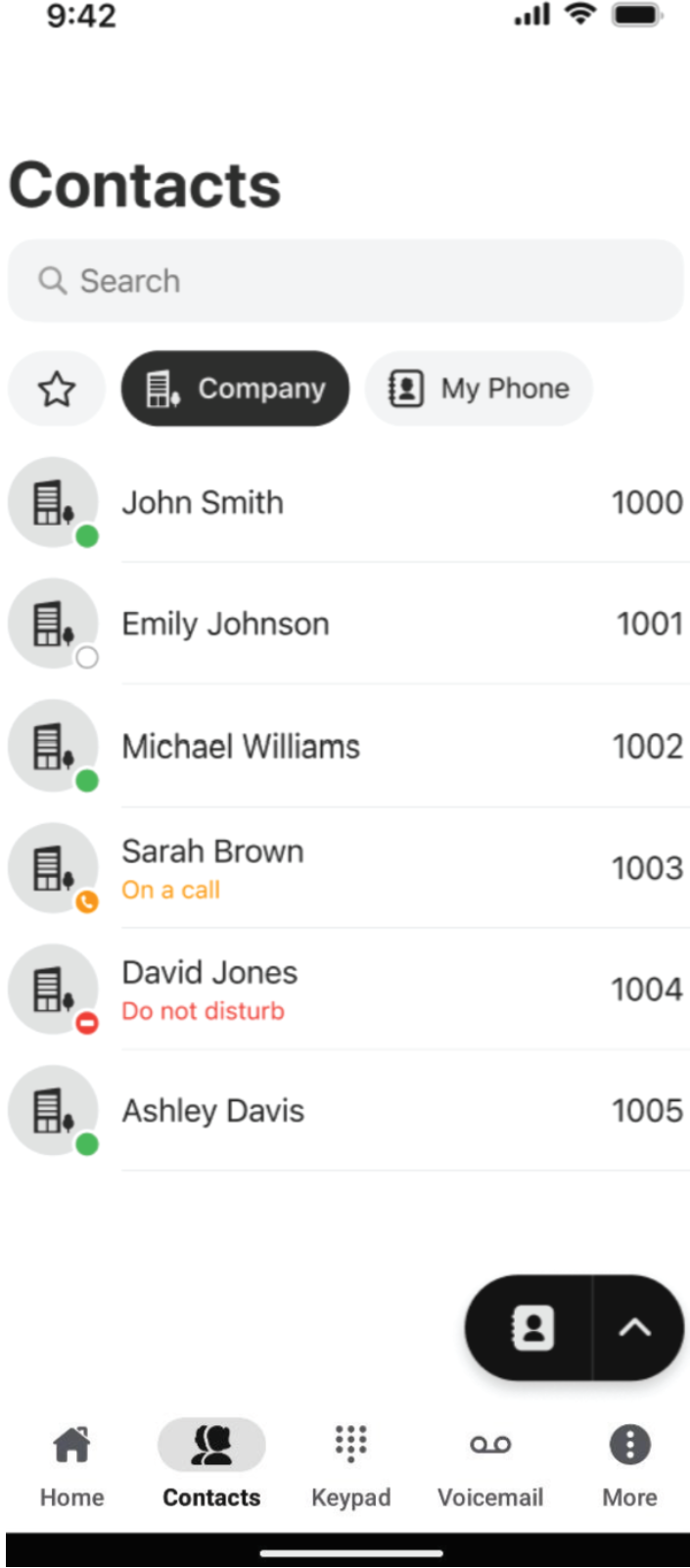
The default contact list configuration includes the following contact lists:

- Favorites: highlights important or frequently accessed contacts for quick access.
- Company: includes all contacts within your organization for internal communication.
- My Phone: stores personal contacts saved directly on your device.
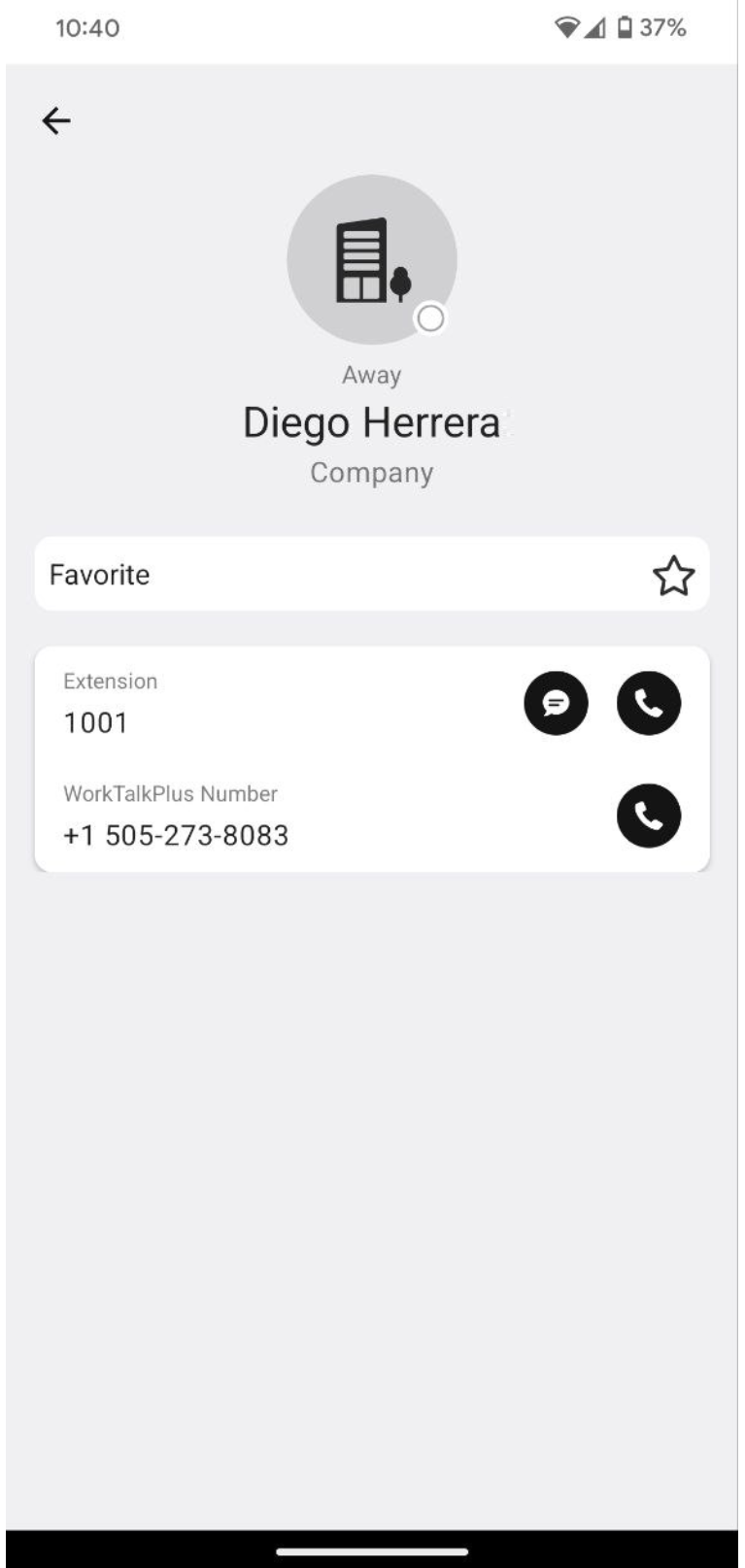
Selecting a contact opens their personal card, where you can call the contact, view their details, edit, or add them to Favorites. Based on your enabled modules, you can also use the badges next to a phone number to initiate a call, send an SMS, or fax a message.
Clicking the Contact Book button opens a drop-down list of actions available in the Contacts module:
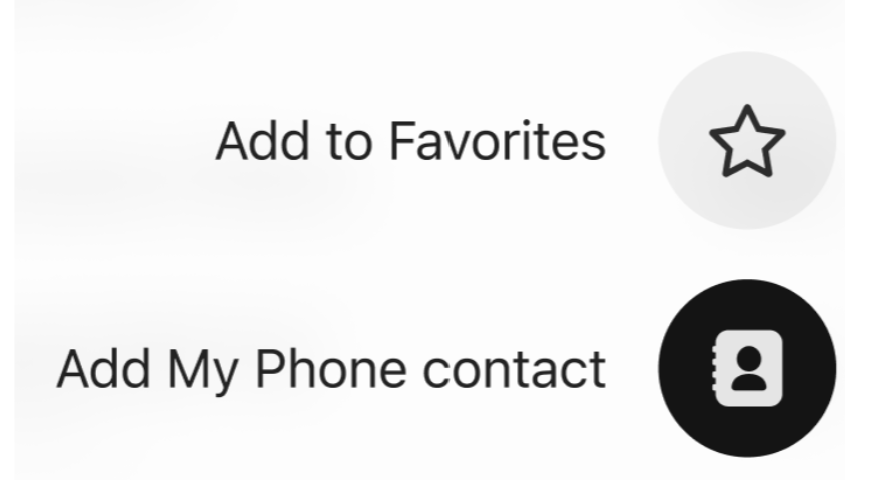
- Add to Favorites: selecting this option will display all contacts from your contact lists, allowing you to choose one or multiple contacts to add to your Favorites.
- Add my Phone contact: by selecting this option, you can create new contacts in your phone's contact list. When you tap this button, the app will minimize, and your phone's standard contact creation form will appear.
Was this article helpful?
That’s Great!
Thank you for your feedback
Sorry! We couldn't be helpful
Thank you for your feedback
Feedback sent
We appreciate your effort and will try to fix the article