Description: This feature allows you to access the call center as an agent and quickly review statistics for the queues you are assigned to, as well as your performance metrics.
When you access the Call Center feature of the DesktopComm App, you will encounter an interface that resembles the following screenshot.
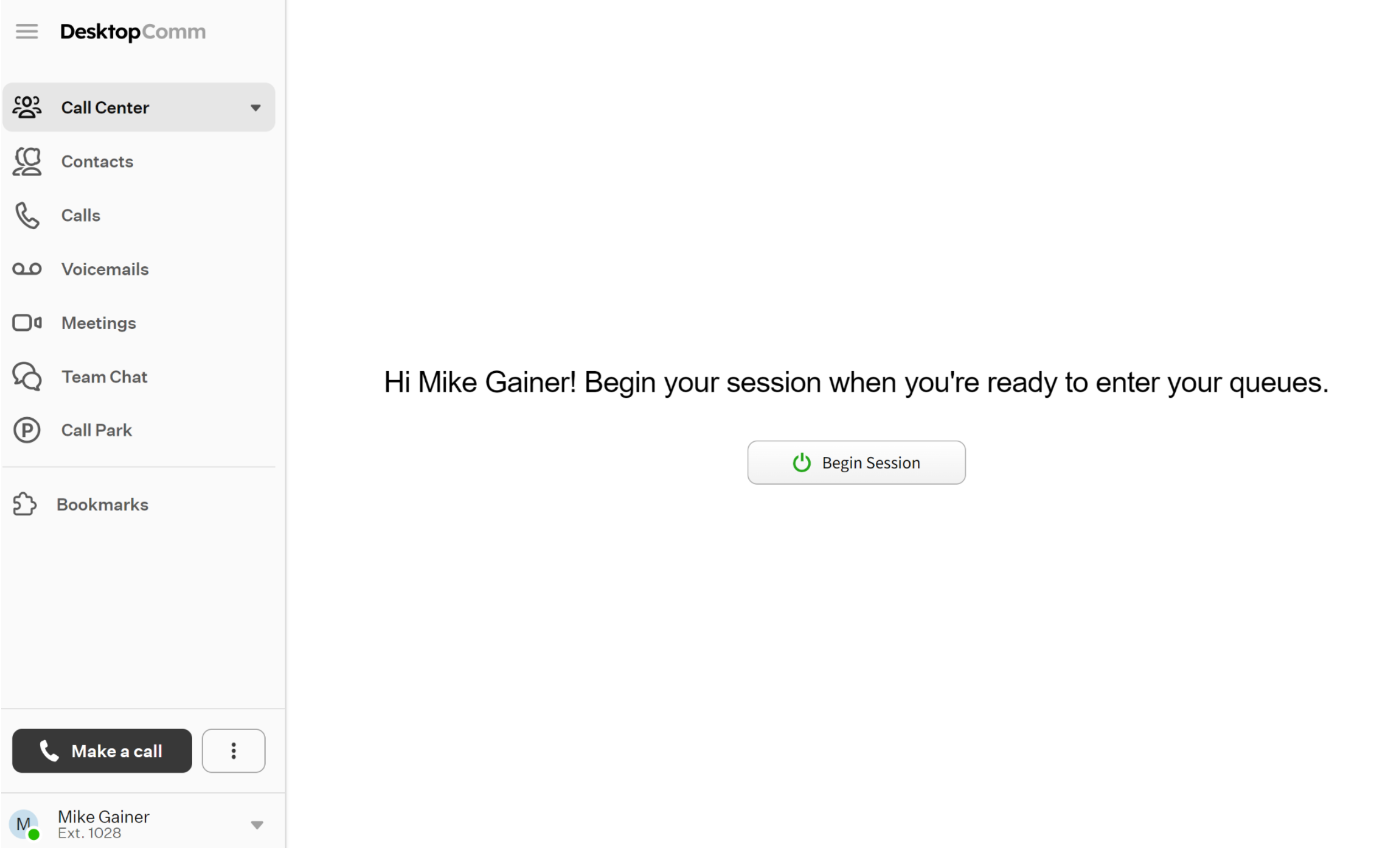
After you click the “Begin Session” button, the session will start and the feature’s interface will update. Six additional tabs will then appear in the left-hand menu within the Call Center menu option, and the Queues tab will appear in the main space of the app.
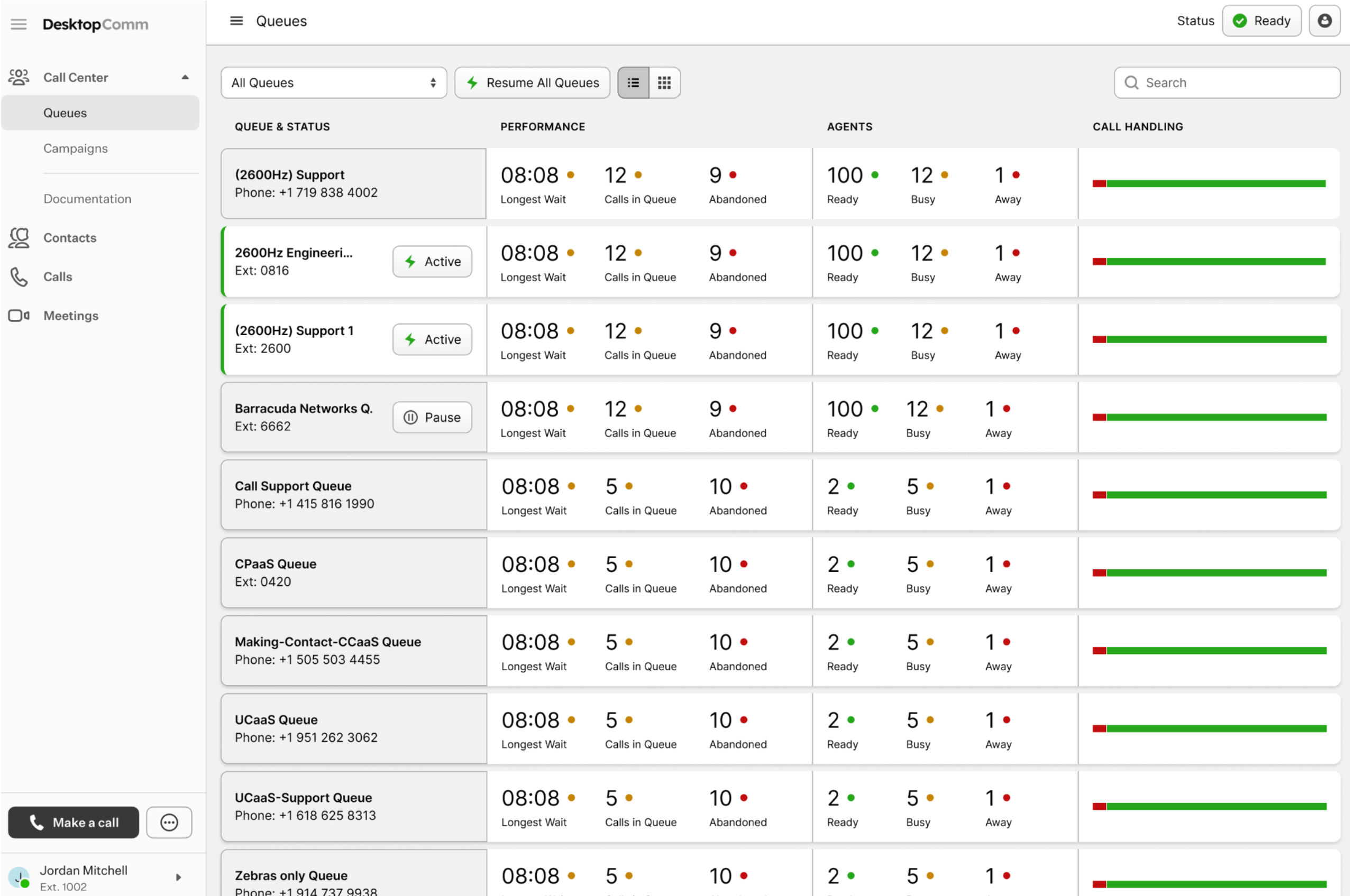
Since going through every tab in detail would be too extensive for a single article, each one is explained in its own article, available via the links below:
Was this article helpful?
That’s Great!
Thank you for your feedback
Sorry! We couldn't be helpful
Thank you for your feedback
Feedback sent
We appreciate your effort and will try to fix the article