Description: The purpose of this article is to provide an overview of the User Portal’s Login Page.
When the user launches the User Portal for the first time, they will be presented with this interface.
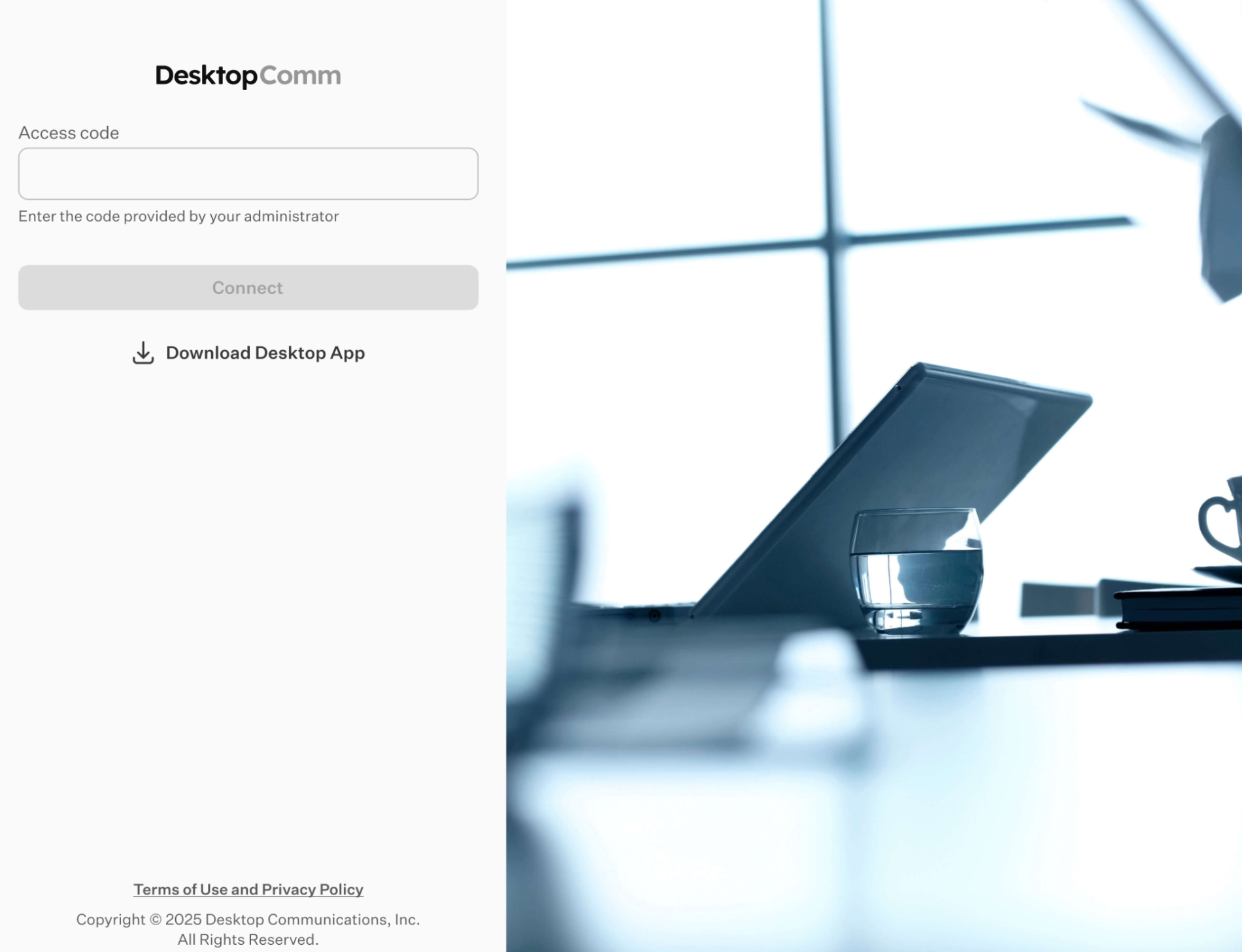
The Access Code identifies a specific instance of your system. Please contact your Administrator to obtain the appropriate Access Code.
Access Code example:
For the Shared Hosted platform: Welcome
Once you enter the Access Code, the General Login Form will become accessible.
General Login Form
At the top of the User Portal window, you will find the primary General Login Form. This form operates like a standard login interface where you input your credentials
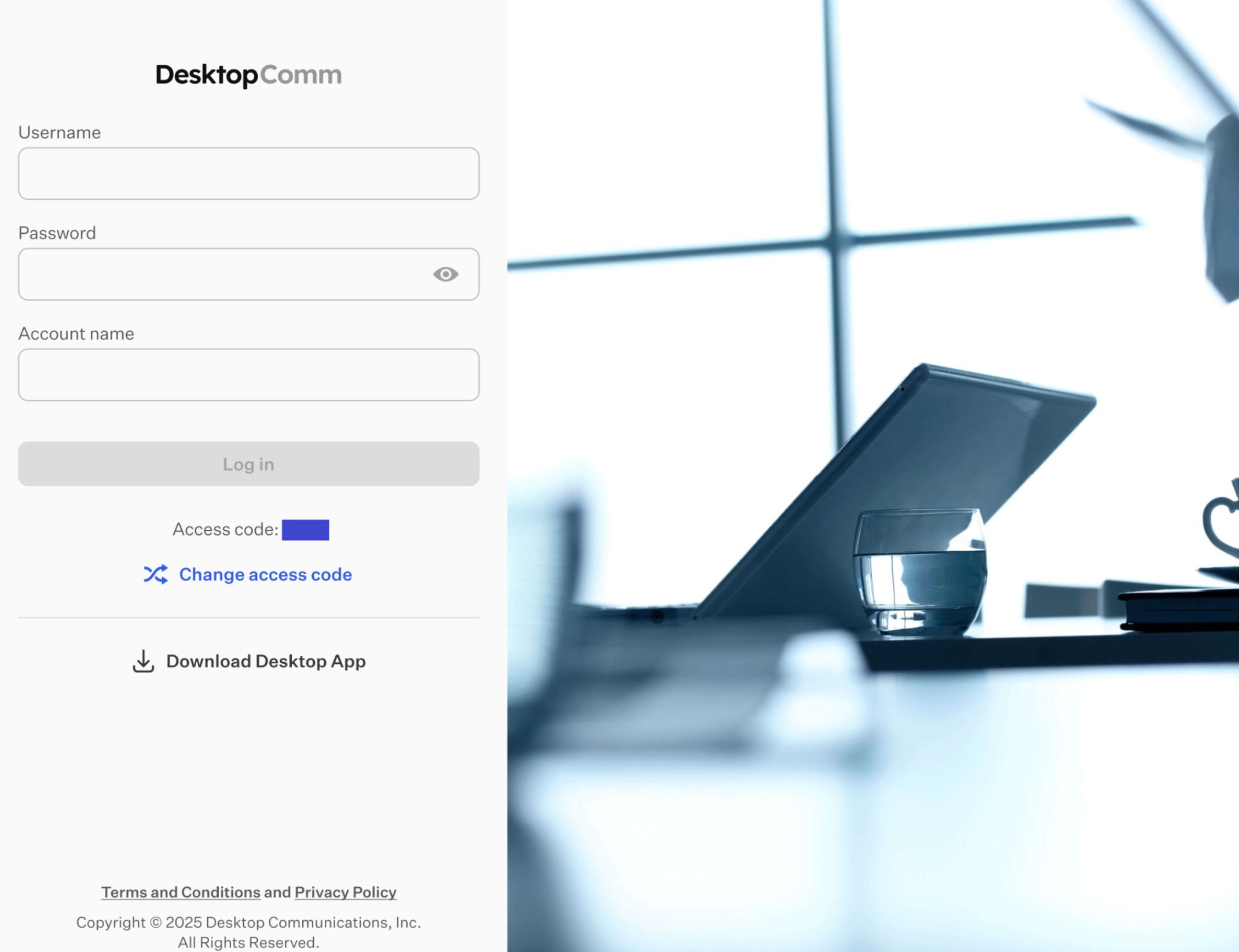
Once filled, the “Log In” button becomes active for submission.

Press the “Log In” button to complete the login process and gain access to the app.
Was this article helpful?
That’s Great!
Thank you for your feedback
Sorry! We couldn't be helpful
Thank you for your feedback
Feedback sent
We appreciate your effort and will try to fix the article